

Table of Contents
Your WordPress site might look polished and perform beautifully, but have you ever stopped to think how safe it really is?
WordPress is everywhere. It powers millions of websites, which makes it a favorite target for hackers. Every day, thousands of websites are attacked. Most of those websites belong to small business owners, freelancers, or bloggers who never thought it would happen to them.
When your website is hacked, it doesn’t just mean lost data. The hacks can slow down your pages, ruin your reputation, and cause visitors to lose trust in you and the brand you represent.
Fortunately, there is nothing difficult about learning how to secure a WordPress site; you just need the right tools, right habits, and some awareness. Keep reading to learn 10 effective ways to secure a WordPress site.
Why Website Security Should Be Your First Priority?
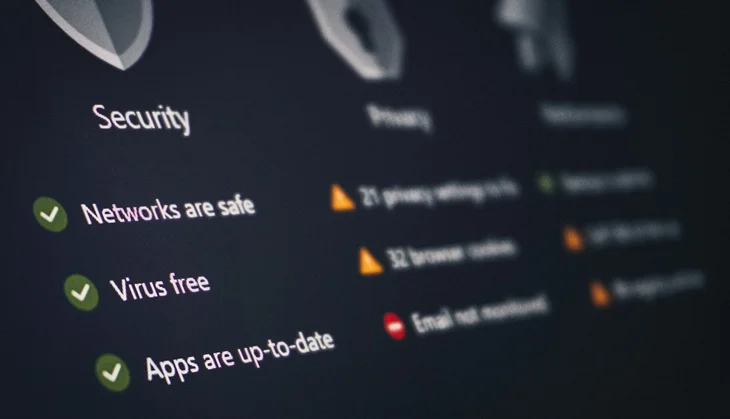
WordPress powers about 40% of all websites worldwide. That’s huge, and hackers know it. They constantly scan for outdated plugins, weak passwords, and unpatched themes to exploit.
Even just one slight mistake, like not updating a plugin, can make your site vulnerable. Large organizations often have teams to take care of these situations quickly; owners of smaller sites may take days or weeks to recover.
This is what makes WordPress security an absolute priority for all site owners. Protecting your site is not just about avoiding hacks; your job is to protect the data of your visitors, protect your reputation, and build goodwill and trust over time.
When you can secure a WordPress site, you are protecting your business, your audience, and your peace of mind.
Basic WordPress Security Essentials to Secure a WordPress Site
If you’re new to managing a website, start with these simple but powerful steps. They form the foundation of strong website protection.
1. Add an SSL Certificate (It’s Free and Important)
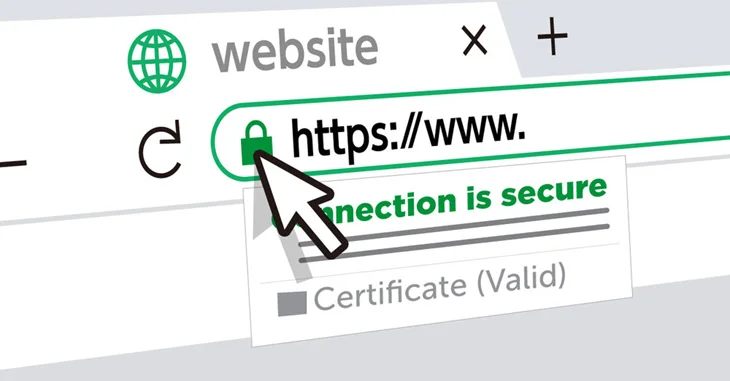
An SSL certificate is the first step in securing your website. It encrypts the connection between your site and your visitors, protecting sensitive information like passwords, credit card numbers, and contact details.
When you install SSL, your URL changes from “http” to “https,” and browsers display a padlock icon showing your site is safe. Without it, users see a “Not Secure” warning, which can make them leave instantly.
Many web hosting companies (like Hostinger, Bluehost, and SiteGround) offer free certificates! It takes only a few minutes to establish this, yet adds a huge level of trust and security for your website.
2. Use Strong Passwords and Avoid “Admin”
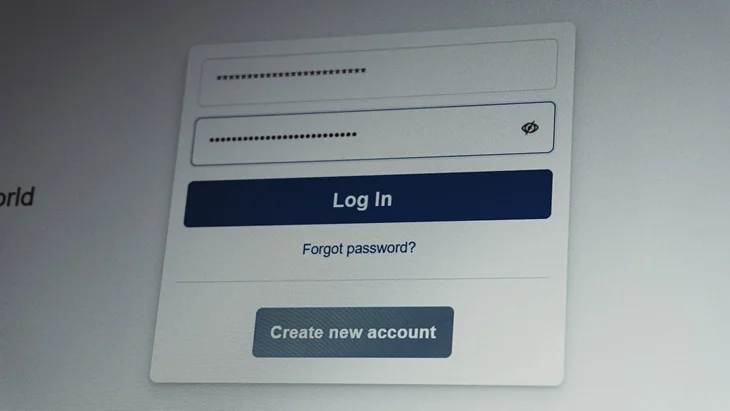
Weak passwords are a leading cause of getting hacked. Never use something like “12345” or “password!” or related to your name or website name. Use a long and complicated password with letters, numbers, and symbols.
Never use “admin” as your username, because it’s the first thing hackers will guess. For easier management, use a password manager like 1Password or Bitwarden. They generate and store strong passwords for you safely.
Also, enable two-factor authentication, which adds an extra layer of protection by requiring a verification code when logging in.
3. Keep WordPress and Plugins Updated
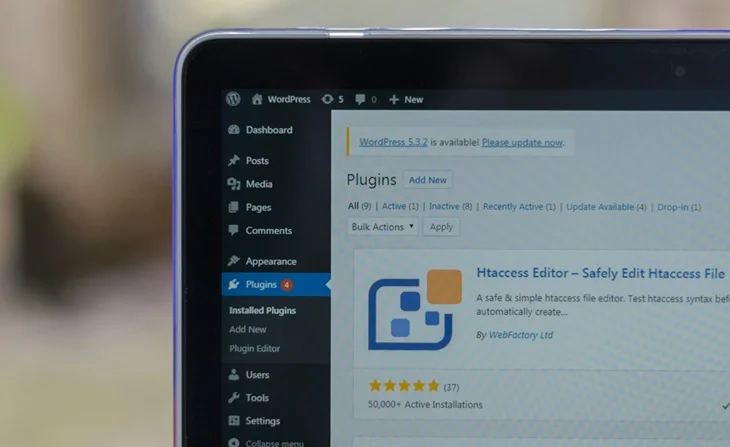
Outdated software is a hacker’s dream. Every new version of WordPress and its plugins comes with bug fixes and security patches. Ignoring them leaves your site open to attack.
Develop a weekly routine of updating WordPress plugins and themes. Use automatic updates when possible, delete any plugins or themes you no longer use, and don’t forget that even inactive plugins and themes can be a vulnerability.
Regular updates are one of the easiest ways to secure a WordPress site and improve performance.
4. Install Trusted Security Plugins
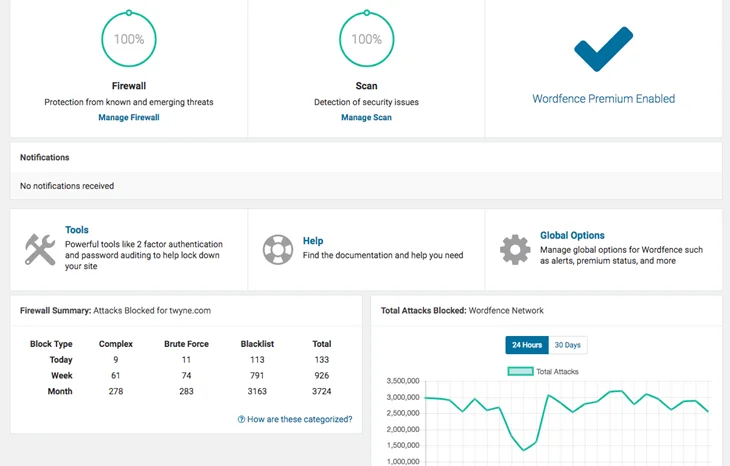
A good security plugin for WordPress works like a full-time guard, constantly scanning for suspicious activity and blocking potential threats.
Some of the best include:
- Wordfence Security – A complete WordPress firewall and malware scanner.
- Sucuri Security – Strong WordPress malware protection and monitoring.
- Solid Security – User-friendly and reliable for beginners.
Once installed, schedule automatic scans and enable notifications. A single plugin can make a big difference when trying to secure a WordPress site.
5. Back Up Your Website Regularly
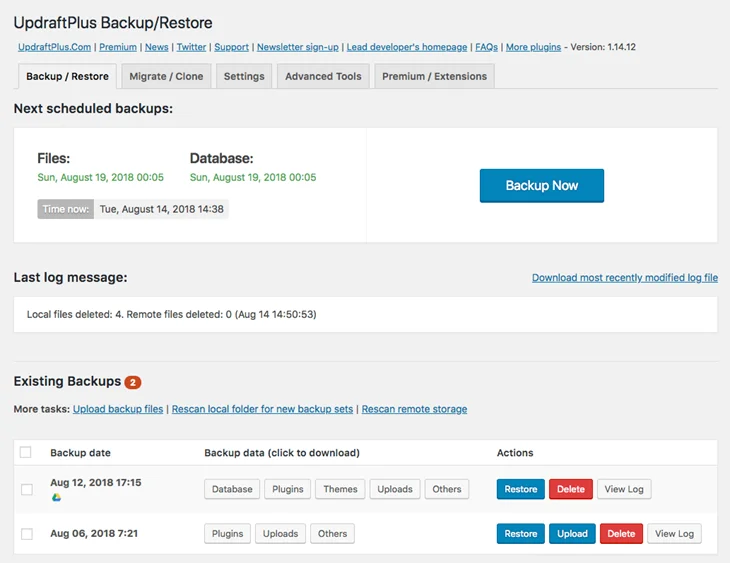
Having a backup of your WordPress site is crucial when something goes wrong, such as the site getting hacked or the server crashing, which saves you hours of grief.
You can use backup plugins, including UpdraftPlus, Jetpack Backup, or BlogVault, to create daily or weekly backups automatically. You can also have the backup files stored in the cloud, such as Google Drive or Dropbox, in case you need to restore your site for any reason.
A backup is not an option; it is your insurance policy when something you never expected to happen occurs.
Advanced Ways to Secure a WordPress Site
Once you’ve built a solid foundation, strengthen your defenses even further with these advanced steps.
6. Hide or Rename Your Login Page
By default, every WordPress site has a login page at /wp-admin or /wp-login.php, widely used, and its popularity makes it a focus for security improvements.
Install the free WPS Hide Login plugin and change your login URL to something unique, so know one can guess, for example, “404-not-here” or something funny “not-for-you”.
This won’t affect your ability to log in, but it makes it much harder for bots to find your entry point, an easy way to secure a WordPress site.
7. Disable XML-RPC
XML-RPC is a WordPress feature that allows remote connections for apps and services, but it’s also a known target for brute-force attacks.
If you don’t use it, disable it through your security plugins for WordPress or by adding a small code snippet in your .htaccess file.
Turning it off closes another door that hackers often try to exploit.
8. Choose a Secure Hosting Provider
Even with a well-configured website, strong hosting security is essential to fully protect your site.
Look for a hosting company that includes:
- Free SSL certificate WordPress integration.
- Automated WordPress backup.
- 24/7 malware scanning and WordPress firewall protection.
- DDoS and brute-force attack prevention.
Managed WordPress hosting services like InMotion Hosting, Kinsta, and WP Engine handle updates, backups, and WordPress security features automatically, giving you more time to focus on your business.
9. Add a Web Application Firewall (WAF)
A Web Application Firewall is one of the most effective ways to secure a WordPress site.
It filters traffic and blocks harmful requests before they reach your website. Cloud-based options like Sucuri Firewall or Wordfence Premium are highly recommended for blocking DDoS attacks, spam, and malware.
Want to learn more advanced steps? Just check this blog.
Keep Your WordPress Site Secure in 2025
Securing a WordPress site is not a one-time task, but a habit. Check your plugins on a standard basis, check that your backups work, and remain suspicious of activity on your site.
A small step, done consistently, will protect your site.
Remember that prevention is quicker and cheaper than recovery. If you spend a few minutes today strengthening your site, you will be less panicked as recovery can take days.
You May Also Like: