

Table of Contents
Page builders got their popularity when you make a WordPress website demanded strong knowledge of HTML, CSS, and sometimes PHP. They provided a real “no code” experience and allowed anyone to create complex layouts without writing code.
But now that technology has advanced and WordPress offers more built-in design capabilities than ever. Is a WordPress page builder still necessary?
Most of the time, the answer is affirmative. A page builder, to be fair, still has the main advantages, such as the user being more flexible, the level of customization, and the user-friendliness.
Everything You Should Know About WordPress Page Builders

A WordPress page builder is a tool, usually a third-party plugin or theme, that allows you to design and customize WordPress pages and posts using a visual editor. These tools, like Divi, enable you to edit not only individual pages but also theme templates without needing to write any code. They offer drag-and-drop functionality that makes complex page designs much easier to create compared to traditional themes.
The concept of page builders has been around for a while. Before they came into play, WordPress used the “Classic Editor,” a basic text editor with two tabs, one for visual editing and one for writing HTML or CSS code directly. If you knew how to write code, this was fine, but for many people who wanted to make more complex designs or structural changes, it became a barrier.
WordPress is now more advanced with the release of the Block Editor (also referred to as Gutenberg), which provides more freedom and visual controls. Nevertheless, most users consider that the top WordPress page builders can still deliver a simpler and versatile way of creating sites with the best WordPress website builder.
Key Features of WordPress Page Builders
WordPress has been changed by page builders. They allow anyone to create and edit websites, including pages, posts, headers, footers, and sidebars, and have made web design available to all, like bloggers, businesses, and creators.
Here are some key features of WordPress page builders:
- Users are able to include a variety of components, such as text, images, buttons, sliders, galleries, etc. This is how non-developers are able to use the platform to build professional-looking websites.
- You can create custom styles for buttons, fonts, colors, sizes, and even hover effects.
- It is also possible that you save the design of a page or a section as a template and then use it on other pages. Thus, it is a way of maintaining the same level of a site and speeding up the design process.
- Many page builders also have a theme builder, which allows you to customize important areas such as headers, footers, single post templates, and 404 pages.
- If you are a user with coding knowledge, page builders allow you to insert custom HTML, CSS, and JavaScript, thereby giving you more flexibility and allowing you to grow your skills further.
Top 4 WordPress Page Builders For Your Website
1. Bricks Builder
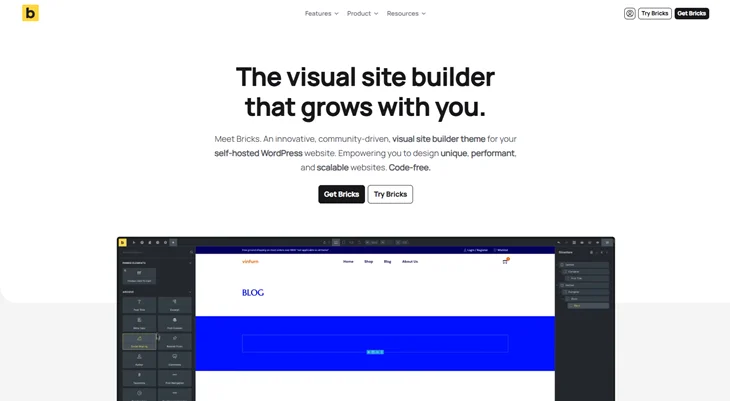
Bricks Builder is one of the top page builders or theme, popular for its performance and flexibility. Its main focus is on speed and providing a fast, dynamic building experience. The editor interface from the front end, along with live preview, is what the user gets.
Bricks Builder Features:
- Performance Focused: It is a fast and efficient solution that was optimized for quick page loading and minimal resource use.
- Visual Front End Editor: Edit and see your design changes in real-time with a live preview.
- Customizable Theme Builder: Design every part of your site, including headers, footers, and archives.
- Responsive Design: Building mobile-friendly pages is simple. You can design pages for different device types.
- Dynamic Data: Use dynamic data and custom fields to create more flexible and powerful layouts.
- Global Styles: Apply design settings across your entire site for consistency.
- WooCommerce Integration: Design custom product pages, carts, and checkout processes for your online store.
Community Reviews:
Bricks Builder receives the most positive comments in terms of its speed, user-friendliness, and adaptability. It is an excellent solution for those users who intend to optimize the performance of their websites.
2. Elementor
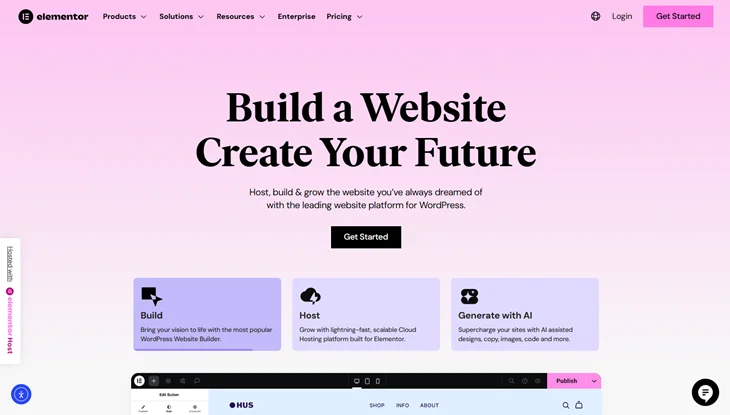
Elementor is a popular premium and free WordPress page builder known for its drag and drop editor, ready templates, and many design features. With hundreds of templates and widgets, it also has advanced options like theme building, motion effects, and custom CSS for more experienced users.
Elementor Features:
- Easy To Use: The drag and drop builder allows you to build sites as fast as possible.
- Customization: 100+ design widgets to choose from.
- Site Templates: Access over 300 pre-made templates to get started quickly.
- Team Collaboration: Leave comments on the front end and collaborate with others on the design.
- Global Design Settings: Apply global changes to your site for consistency.
- Popup Builder: Use a popup builder to generate attractive popups for promotions or upsells.
- WooCommerce Integration: Easily design custom pages for your WooCommerce store.
- Responsive Design: Make your site mobile-friendly with easy device adjustments.
Community Reviews:
Most users find Elementor very user-friendly; however, some people think that it takes a long time to get knowledge with all the features.
3. Beaver Builder
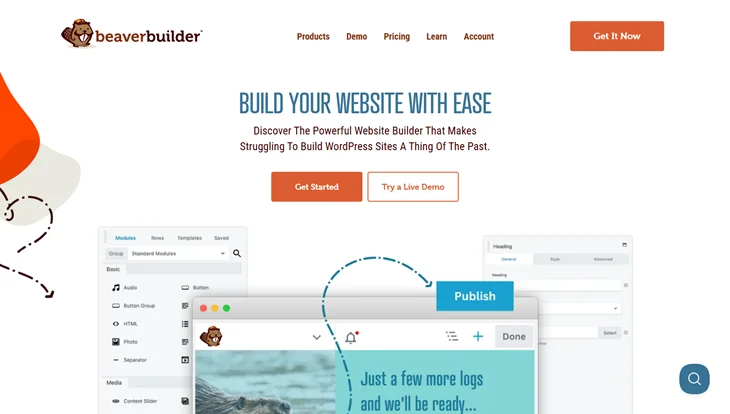
Beaver Builder is a reliable and easy to use page builder that comes with a simple drag and drop interface. It is quick and simple to use, and has a nice variety of templates as well as design tools.
Beaver Builder Features:
- Drag & Drop Builder: Simple interface for designing websites.
- Design Elements: Lots of design tools to build your site.
- Pre-Made Templates: Includes 25+ landing page templates and 40+ content page templates.
- Cloud Storage: Store your designs in the cloud with the Assistant Pro add-on.
- Theme Builder: Create custom headers, footers, and page templates (premium feature).
- White Labeling: Customize the WordPress theme for clients with custom branding.
Community Reviews:
Users acknowledge Beaver Builder for its speed, ease of use, and client white-labeling feature.
4. Divi Builder
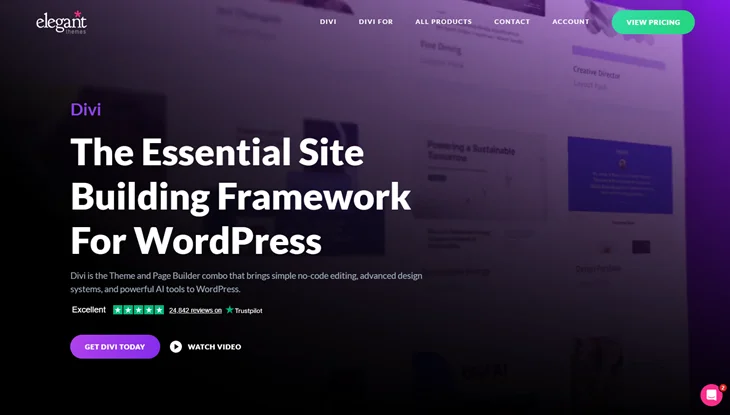
Divi is a popular page builder that comes with tons of features. Even if you don’t know how to code, you can easily create stunning and personalized websites with its many pre-designed templates and modules. It is known for its global elements, custom CSS options, animations, and easy-to-use design controls.
Divi Features:
- Visual Builder: A simple drag-and-drop interface for real-time editing.
- Layout Library: Over 2,300 templates and 300+ complete website packs.
- Advanced Customization: Over 200 design modules to personalize your site.
- Responsive Design: Adjust your site’s design for desktops, tablets, and mobile devices.
- Built-In Split Testing: Test different versions of your pages to find what works best.
- Ecommerce Ready: Includes over 20 WooCommerce modules for product pages and checkout.
- Integrations: Works with many third-party plugins for extra features.
Community Reviews: Users highly praise Divi for its value for money, excellent support, and great features.
Conclusion
Page builders have changed the way to edit WordPress websites tremendously by providing a simpler and more user-friendly way to design pages without coding skills.
Although WordPress’ native Block Editor has some basic design capabilities, but using page builders such as Divi, Elementor, Beaver Builder, and Bricks Builder gives you a lot more freedom, customization and advanced features.
A page builder is an excellent tool that can be used to speed up, simplify, and make the whole process more fun when you are creating a blog, a business website, or an online store.
You May Also Like:
- 6 Best Ecommerce Website Builders to Start an Online Store
- Landing Page vs Website: A Complete Guide
- How to Create Custom Popup in WordPress Using ARForms
Frequently Asked Questions (FAQs)
Do I still need a page builder if I’m using the block editor?
Though the WordPress Block Editor is quite capable for creating pages, but page builder offers more freedom in design, more advanced customization options, and more pre-made templates. If you want to have more control over your design or need to make complicated layouts, a page builder is probably your best option.
Which page builder is the best for beginners?
Beaver Builder and Elementor would be the best two options for a beginner to start with. They provide easy drag-and-drop interfaces, a lot of pre-designed templates, and customization options without being too feature-rich for users.
Can I use a page builder for an eCommerce website?
Yes, most page builders, like Divi and Elementor, are fully compatible with WooCommerce, the most popular WordPress plugin for building online stores. These page builders allow you to customize product pages, checkout flows, and other eCommerce elements to create a tailored shopping experience.
Are page builders SEO-friendly?
Yes, page builders are optimized for SEO as they support SEO plugins like Yoast SEO or Rank Math. They allow you to edit metadata, alt text, and headings, and page builders like Bricks Builder focus on performance, so your site loads quickly, which is a key factor in SEO.